
If you spend your day building forms, the interface matters.
Over the past few years we’ve received hundreds of suggestions from the WS Form community about ways to improve the admin experience. Some were big ideas, others were tiny quality-of-life improvements, but together they helped shape the biggest refresh to the WS Form interface in years.
WS Form 1.12 introduces a redesigned Layout Editor together with a refreshed interface across every major admin page. From Forms and Submissions to Settings and Styles, the goal has been simple: make WS Form feel cleaner, more consistent, and easier to use without changing the workflow you already know.
To everyone who took the time to send feedback, report frustrations, suggest improvements, or simply tell us how you use WS Form every day, thank you. Your ideas have helped shape this release, and we’re excited for you to experience it.
A Better Place to Build Forms
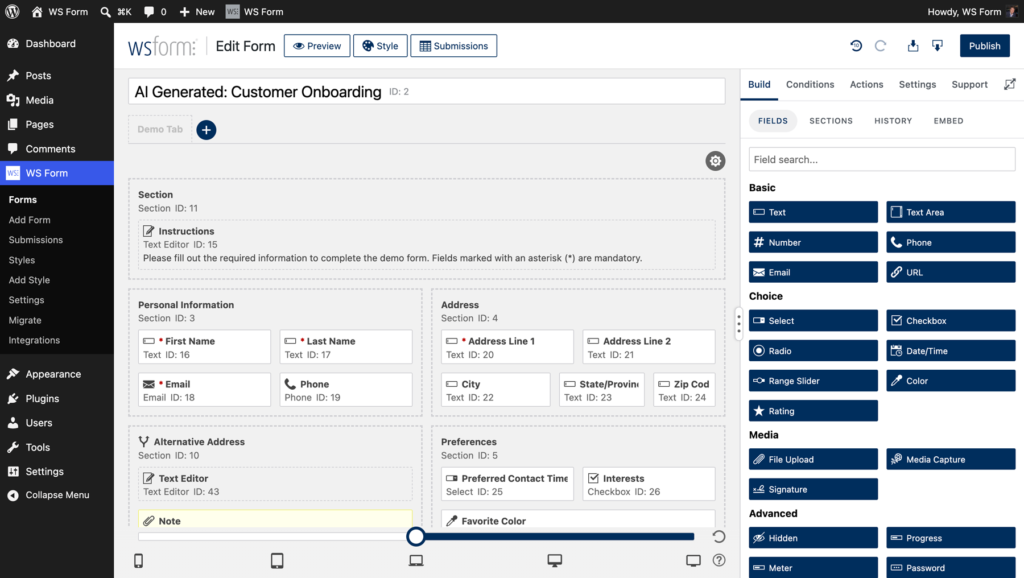
The Layout Editor is where most of your time is spent, so it’s where we invested the most effort.
The sidebar has been redesigned from the ground up with clearer navigation, improved organization, and a cleaner visual hierarchy. Whether you’re building your form, configuring field settings, styling your layout, or preparing it for publication, everything is easier to find and easier to understand.
You can still resize the sidebar to match the way you work. Expand it when you’re configuring complex forms, or collapse it to maximise the canvas and keep your focus on the form itself.
Cleaner Navigation, Less Clutter
Every part of the Layout Editor has been refined to reduce visual noise and improve discoverability. Primary navigation is easier to scan, related settings are grouped together, and when the sidebar is expanded, icons appear alongside each section to help you move around more quickly.
Panels have been simplified, spacing has been improved, and the overall layout feels lighter without sacrificing functionality. The result is an editor that stays out of your way and lets your form take centre stage.
Help Is Never Far Away
Learning a new feature shouldn’t mean stopping what you’re doing to search for documentation.
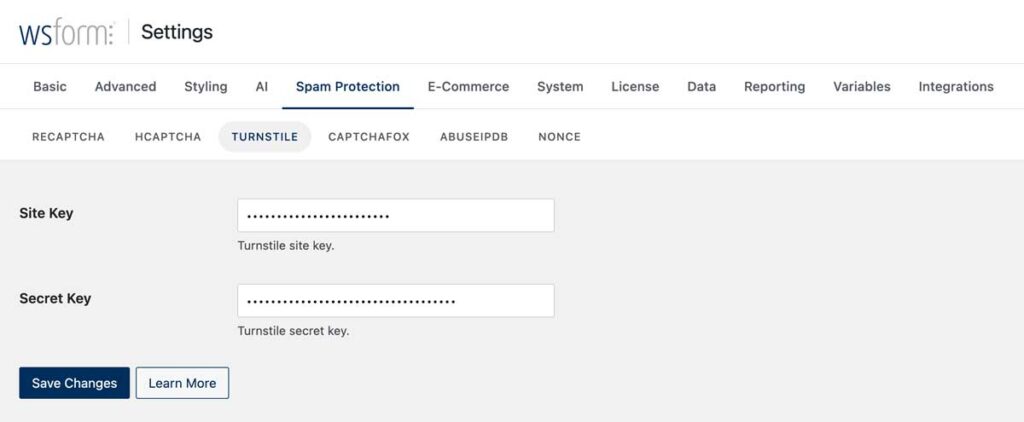
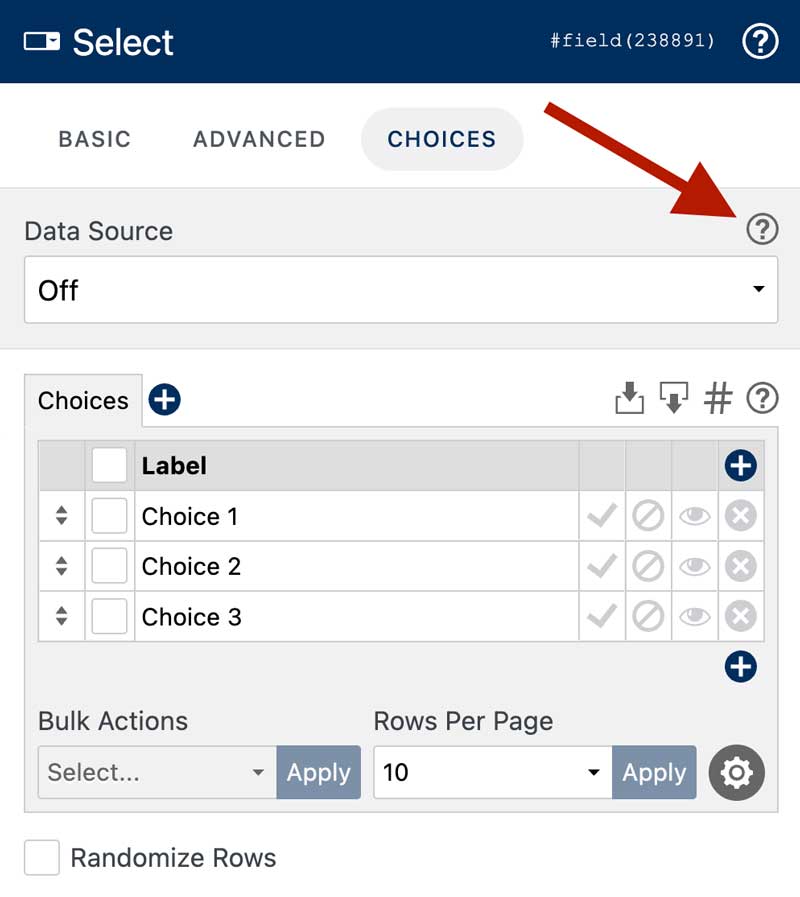
Throughout the WS Form admin you’ll now find additional help icons that link directly to the relevant articles in our redesigned Knowledge Base. Whether you’re exploring a feature for the first time or simply need a quick reminder, help is always just a click away.
Embedding Forms Is Easier
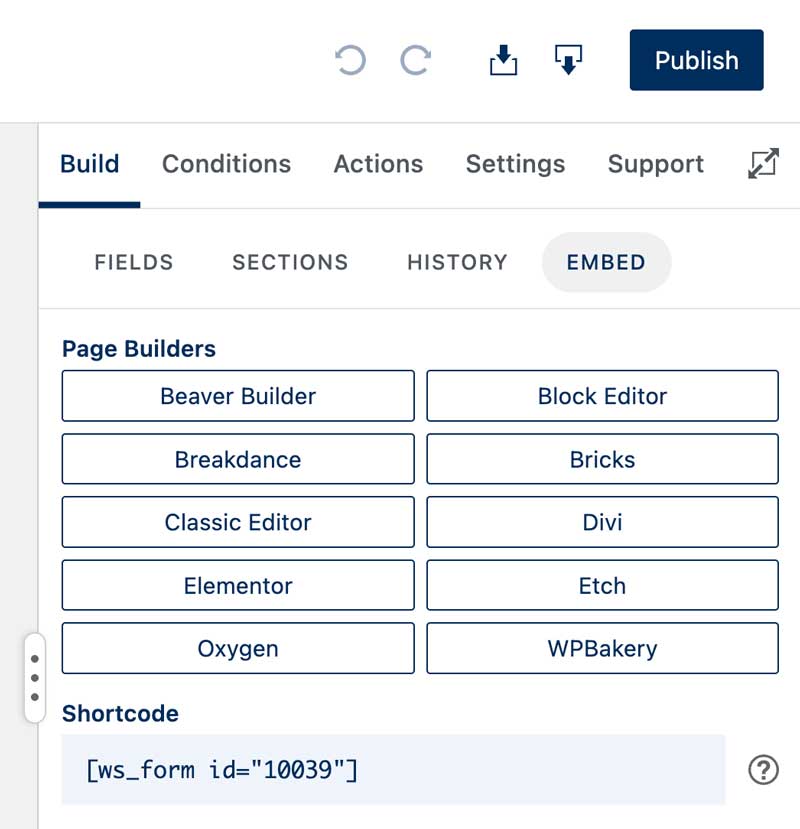
Publishing a form should be just as straightforward as building one. The new Embed section gives you instant access to your shortcode together with links to helpful documentation, making it easy to add your form to your site without leaving the Layout Editor.
A Consistent Experience Across WS Form
The improvements extend well beyond the Layout Editor. Every major admin page has been refreshed with the same design language, creating a more consistent experience throughout WS Form.
Page headers now place the information and actions you use most in familiar locations, while navigation feels more connected from screen to screen. Whether you’re managing forms, reviewing submissions, editing styles, or changing settings, everything feels like part of the same product.
A Better Way to Manage Submissions
The submissions experience has also been refined to make managing entries more intuitive.
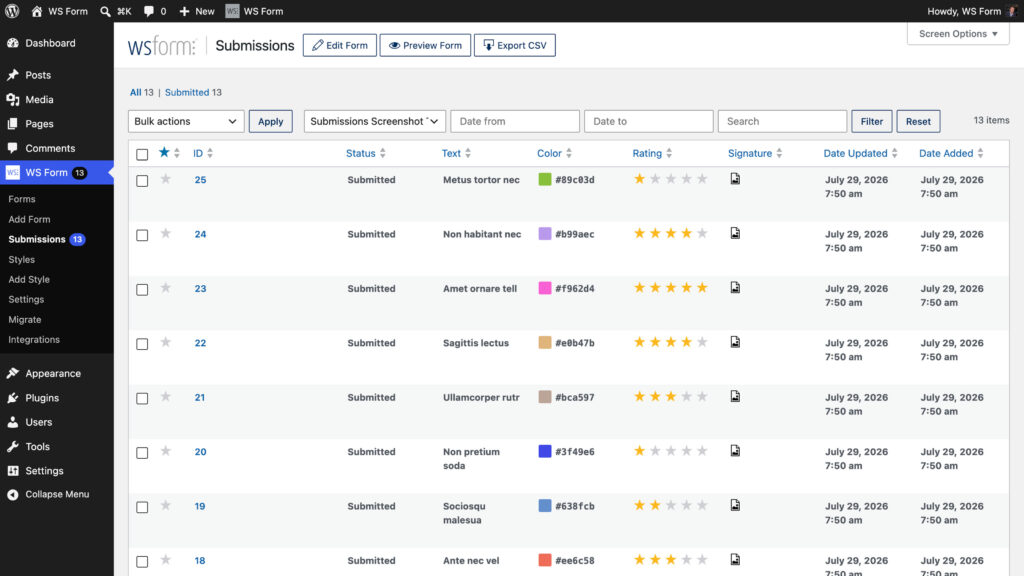
Helpful empty states guide you when there are no forms or submissions to display, while the redesigned form selector includes submission counts so you can quickly see which forms are receiving the most activity.
The submission viewer now shares the same clean visual language as the rest of the admin, making it easier to review entries, manage submission notes, and perform common tasks.
Loading submissions is now faster too.
Designed for Every Screen Size
The refreshed interface has been designed to work just as well on smaller displays as it does on a large desktop monitor.
On narrower screens, the sidebar becomes a full-screen overlay, giving you access to every tool while preserving as much workspace as possible. Responsive controls have also been refined, making it easier to preview and fine-tune layouts across different device sizes.
Hundreds of Small Improvements
Alongside the major visual refresh are dozens of thoughtful improvements throughout WS Form that make everyday tasks a little smoother.
- Refreshed Welcome screen.
- Improved Settings and Status pages.
- Clearer drag-and-drop importing for forms and styles.
- Redesigned responsive breakpoint controls.
- Better empty states throughout the admin.
- Rollback unpublished changes from the History panel.
- Additional links to the redesigned Knowledge Base.
- Countless visual refinements that create a cleaner, more consistent experience.
Familiar, Only Better
The new interface doesn’t reinvent WS Form. It refines it.
Every change has been made with feedback from the people who use WS Form every day. The powerful form builder you already know is still here, now wrapped in a cleaner, more consistent interface that helps you stay focused on building forms instead of searching for controls.
This is only the beginning. We’ll continue listening to your feedback and refining WS Form with every release.
Thank you for helping shape the future of WS Form. We can’t wait to hear what you think.