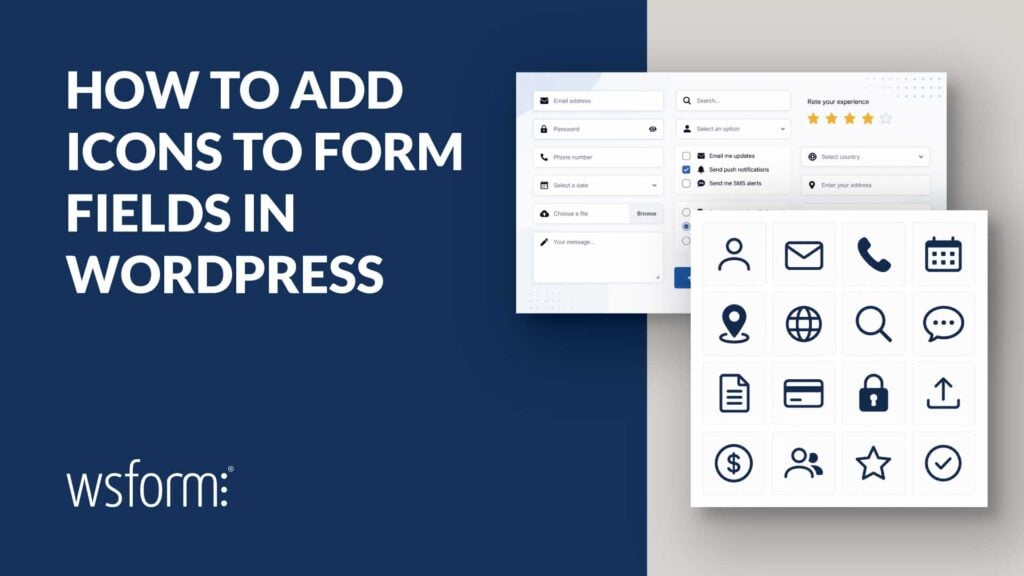
Learn how to add Font Awesome, Dashicons, SVG, and other icons to forms for WordPress using WS Form’s flexible HTML-based field, button, and option settings.
Blog
Tutorials, Tips, and Resources to Help You Get the Most From WS Form
June 2026 – End of Month Sale
Enjoy a 25% discount on any WS Form Edition with our limited-time offer, available until the end of the October 2025.
Safely Using AI API Keys in WordPress Connectors
Learn how to safely use AI API keys in WordPress Connectors, including best practices for OpenAI, Anthropic, Gemini, spending limits, environment variables, and securing production websites.
WordCamp Europe 2026 – Special Offer!
Enjoy a 30% discount on any WS Form Edition with our limited-time offer.
Cool Things You Can Do with Data Grids in WS Form
Discover how WS Form Data Grids transform simple choice lists into powerful structured datasets for calculations, dynamic grouping, external data sources, and scalable form workflows.
Translate Forms for WordPress with WS Form
Learn how to build multilingual WordPress forms with WS Form using WPML, Polylang, TranslatePress, and Weglot.
WordPress 7 Introduces an AI Layer. WS Form is Ready.
WS Form is ready for WordPress 7, bringing the new AI layer into real-world use with AI-powered form creation and intelligent workflows built directly into your forms.
Easy Form Tracking for WordPress with Conversion Bridge
Discover how to track WordPress form conversions in minutes using Conversion Bridge and WS Form without code or complicated setup.
How to Build a QR Code Scanner in WordPress
Learn how to build a QR code scanner in WordPress using WS Form to scan badges, validate RSVPs, trigger redirects, and send scanned data to APIs or services like Google Sheets.
Completing the Stack: WS Form and the WordPress AI Client SDK
WS Form now integrates with the WP AI Client SDK, aligning with WordPress AI Building Blocks to deliver structured, future ready AI capabilities directly within forms.
5 Ways to Build Smarter Forms in WordPress With AI
Learn how AI transforms form building in WordPress with WS Form, letting you rapidly create complete forms, generate content, moderate submissions, and improve form performance using real data.
Angie Agentic AI Meets WS Form
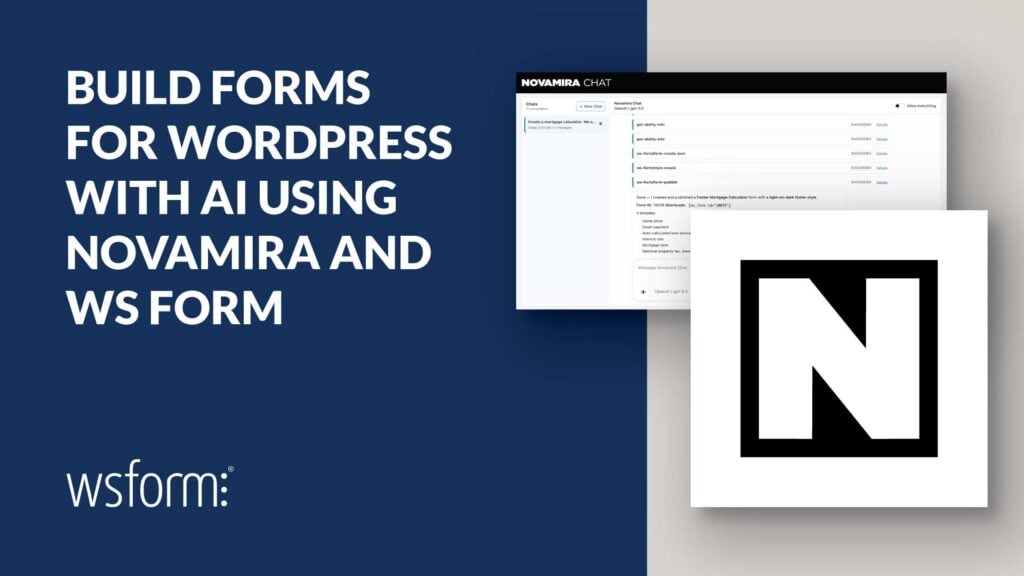
WS Form now integrates with Angie, Elementor’s agentic AI, allowing you to create and manage forms in WordPress using natural language.
How to Create an MCP Server in WordPress with the Abilities API and MCP Adapter
Learn how to build an MCP server in WordPress using the Abilities API and MCP Adapter, making your site’s functionality accessible to AI clients like VS Code and Claude.
Top 2025 Black Friday & Cyber Monday WordPress Deal Lists
This is a round-up of round-ups! As Black Friday and Cyber Monday approach, the hunt for the best WordPress deals heats up. But with so many offers scattered across the web, finding the best ones can be overwhelming. To make your life easier, we’ve compiled a list of the top websites that aggregate and list…
The Top 10 WordPress Form Plugins
Discover the top 10 WordPress form plugins that combine power, performance, and flexibility to help everyone from beginners to developers create smart, high converting forms with ease.
How to Block IP Addresses in WordPress Forms to Prevent Spam
Learn how to block IP addresses in WordPress forms using WS Form’s built-in tools, including no-code settings and developer-friendly hooks, to effectively prevent spam and control access.
How to Block Keywords in WordPress Forms to Prevent Spam
Learn how to block spam in WordPress forms using WS Form’s powerful keyword filtering features, including manual entries, filter hooks, and a blocklist add-on.
Power Up Your Funnel Strategy with Groundhogg and WS Form
Groundhogg is a powerful marketing automation and CRM plugin for WordPress, designed to help businesses streamline their email marketing, lead management, and customer engagement. By integrating directly into WordPress, Groundhogg eliminates the need for third-party SaaS platforms, giving users full control over their data while automating tasks like email sequences, sales funnels, and customer follow-ups….
WS Form Releases Version 1.10 Featuring a Powerful New Form Styler for WordPress
WS Form, the next-generation WordPress form builder, is thrilled to announce the release of version 1.10.x, featuring the highly anticipated WS Form Styler.
How to Build an Outcome Based Quiz
Creating an outcome-based WordPress quiz form in WS Form PRO is a great way to engage your audience and provide personalized results based on their answers.
Customize WordPress Content with PersonalizeWP and WS Form
PersonalizeWP is a WordPress plugin that allows you to customize your WordPress content based on your audience. Create custom rules based on profiles, segments, localization, and more. It also integrates with WS Form and allows you to show content based on a lead score that you set. In this post, we’ll look at PersonalizeWP and…
How to Track UTM Parameters & Other Lead Source Data in WS Form
In this article, we’ll show you two ways you can capture UTM parameters and other lead source data with each form submission.
5 Reasons to Use Mailster for Your Email Newsletters
In this post, we’ll look at five reasons to use Mailster to send your email newsletters from WordPress.
Using Forms to Increase Blog Engagement
In the spirit of Matt Mullenweg’s birthday wish, not only do we present this post, but also set out some ideas of how WS Form can help you blog, too.
Add a Legal Disclaimer to WordPress Forms Using Termageddon
Every business website needs legal disclaimers and policies to protect themselves from fines and lawsuits. Unfortunately, legal disclaimers and policies can be difficult to create. They require current knowledge of laws and the knowledge of what to write. Fortunately, you don’t have to write them, or even update them, when you integrate WS Form with…
Fun with Forms: Celebrate Form Submissions with a Confetti Shower
Learn about the WordPress Confetti plugin, a delightful little invention designed to make your website’s interactions as fun as a surprise party!
How to Create InstaWP WordPress Websites with WS Form
In this post we see how to create an InstaWP website and access the site from a form created in WS Form. Discover the single click templates that make developing forms for creating InstaWP websites a breeze!
WS Form Unveils Revolutionary OpenAI Powered Feature: AI Generated Forms
WS Form, a popular and powerful WordPress form plugin, is thrilled to announce the launch of an innovative feature that will transform the form-building experience for WordPress users.
How to Display WS Form Entries in a Searchable Table on Your WordPress Site
In this detailed tutorial, we’ll show you how to integrate the WS Form PRO and Posts Table Pro plugins to display WS Form Entries in a searchable table on your WordPress website. We were recently asked by Michelle Frechette for a solution that could display speakers in a table on the website WPSpeakers.com. We successfully…
What Does Usage Tracking in Easy Digital Downloads Really Mean?
What does ‘Join the EDD Community’ mean and what data gets shared if you enable this feature in Easy Digital Downloads?
How to Use OpenAI in WordPress Forms
OpenAI is a powerful tool that can improve your WordPress forms with interactive conversations, editing, images, and more. Adding OpenAI to WordPress forms is simple with WS Forms.
How to Add Cloudflare Turnstile to WordPress Forms
Turnstile is a new field for WS Form that improves and simplifies spam protection. It uses the Cloudflare Turnstile widget to protect forms from spam without requiring a CAPTCHA or interaction from the user. It’s easy to add to WS Form and includes lots of options to customize the field to your needs. In this…
Why You Should Never Use Nulled WordPress Plugins
If you’ve come across a website that offers plugins at dramatically reduced prices or even offers it for free, then it is highly likely you’ve stumbled across a nulled copy of that plugin. What are Nulled WordPress Plugins? Nulled WordPress plugins are copies of paid software that have been hacked to allow you to use…
The Art of the Message
The words we use matter. Even the words on something as small as a button can affect whether or not someone clicks that button. Word choices can inspire or deter. Messaging is important. Buttons The button at the bottom of a form may seem insignificant, but it’s the last bit of real estate someone sees…
Fun with Forms: Mad Libs Style
At WS Form, we share a lot about how forms help collect information, complete calls to action, make sales, and more. But what about some good old-fashioned fun? What about creating a form where the only outcome is a smile, a laugh, and maybe sharing it with a friend? WS Form can help with that,…
How to Build an Effective Landing Page
A landing page can serve many purposes, but the primary reason is to present a call to action that site visitors will want to follow through on. In many cases this will either lead to sign-ups or sales…and sometimes both. To be effective, a landing page needs great design, ease of functionality, good SEO, and…
How to Build High Converting Forms
High converting forms are crucial for sales and marketing. A form designed with conversions in mind follows different design concepts than standard forms. In this article, we’ll examine what makes a form high converting and see how to build one with WS Form.
How to Use WordPress Block Patterns to Build a Signup Page
This tutorial demonstrates how to build a quick and easy signup page for your website using WordPress block patterns.
Website Resolutions for 2022
It’s almost 2022. Is your website ready or stuck in the past? You built a website (or had someone build it for you), so you’re done, right? Nope. Not even close. Just like you’re not still wearing the clothes you bought in 1997 (flares with neon shirts anyone?) your website needs to grow and change…
How to Build a WordPress Donation Page with WS Form
In this article, we’ll look at how to create a donation page using both Stripe and WooCommerce WS Form Pro add-ons. They work independently, so no matter which you have you can create a WordPress donation page with WS Form.
How to Add an Address Lookup on WordPress Forms
WS Form is compatible with Google Maps, but it can do a lot more than display them. WS From includes an address lookup feature that will autofill the address fields on your forms and display that address within a Google map. It also includes several features to restrict the type of address it searches for…
WordPress Form User Tracking with WS Form
WS Form has many internal and external user-tracking features that can be enabled and customized. In this article, we’ll discuss WordPress form user tracking with WS Form.
Reduce Spam from WordPress Forms with WS Form
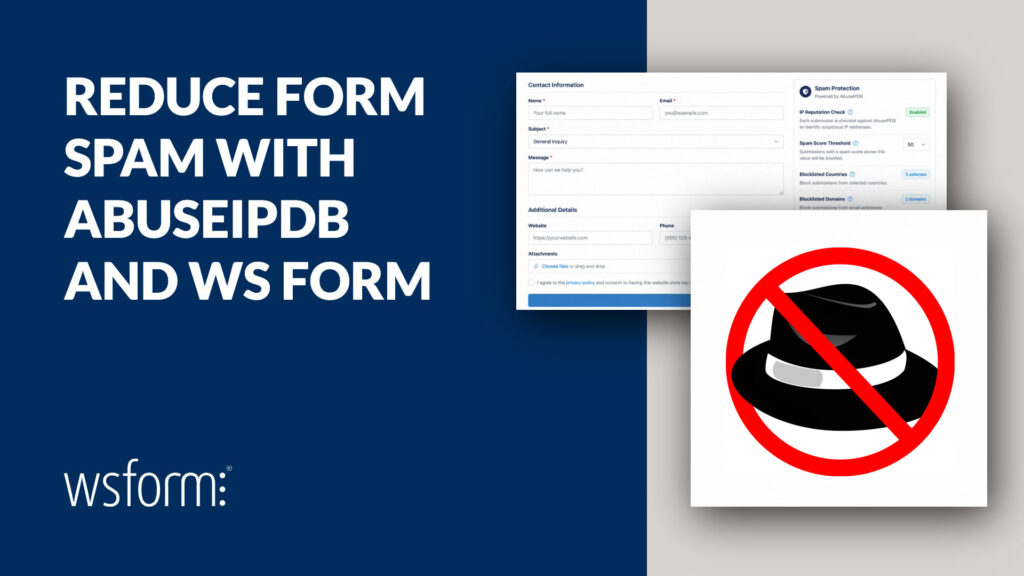
Spam can be both annoying and harmful to your website. One of the advantages of WS Form is that utilizes several techniques to reduce WordPress spam.
Create Multi-Step Forms in WordPress with WS Form
Multi-step forms are a great way to reduce the size the form takes on a page.
Push WordPress Form Submissions to Google Sheets
Pushing WordPress form submissions to Google Sheets can be easily achieved using WS Form.
Customize WooCommerce Product Pages with WS Form
In this article, we’ll see how to customize WooCommerce product pages with the WS Form PRO Product Add-On for WooCommerce.
Create an Online Savings Calculator
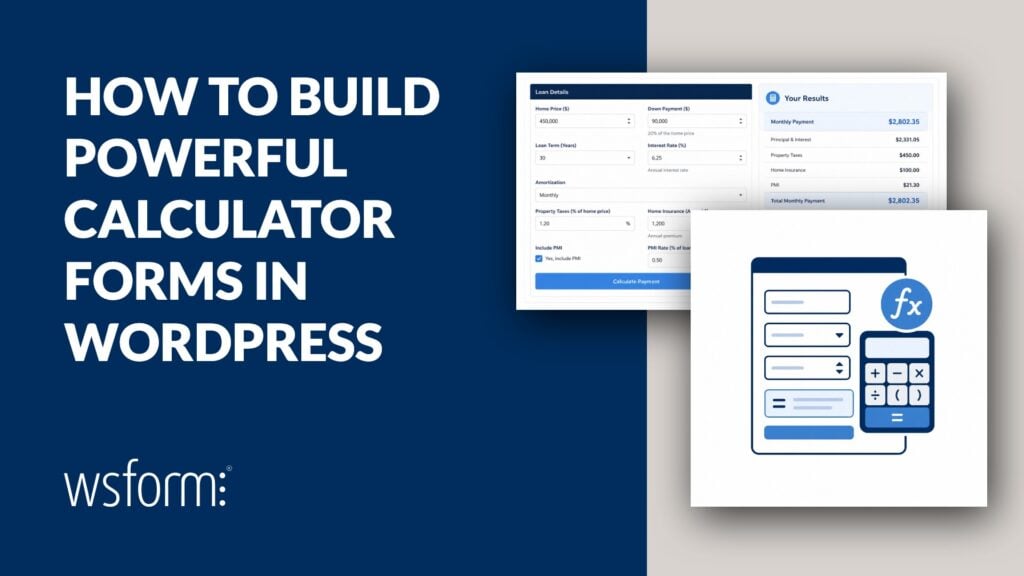
As well as creating forms, WS Form can also be used to create useful online calculators. Learn how with this step-by-step tutorial!
Build Accessible WordPress Forms with WS Form
In this article, we’ll look at the WS Form accessibility tools and see what you can do to ensure your forms are always compliant.
Create a MailChimp Signup Form with WS Form
In this article, we’ll look at how to create a Mailchimp signup form both automatically and manually.