
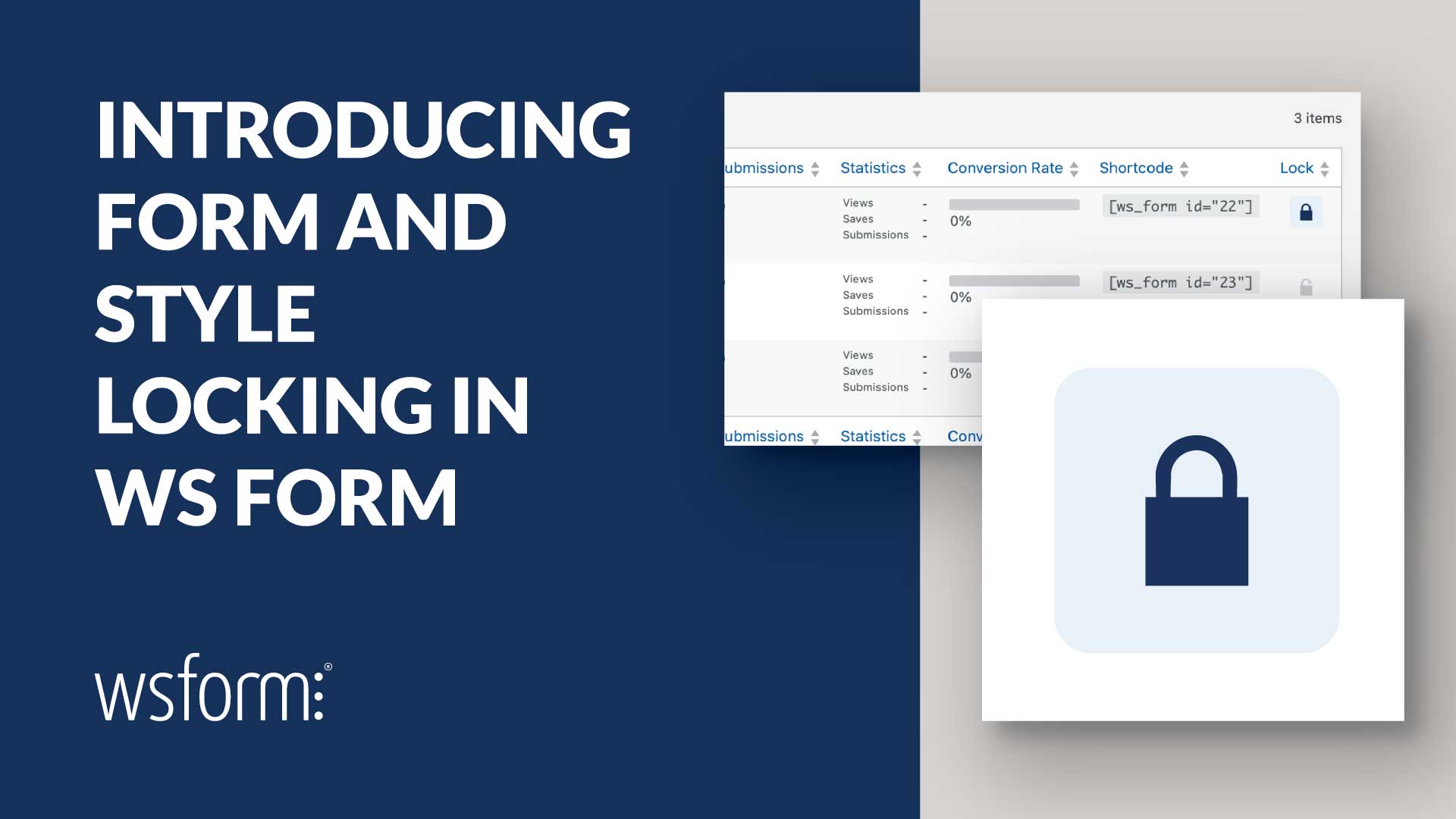
We’ve introduced two new features in WS Form to help you protect completed forms from accidental changes: Form Locking and Style Locking.
Whether you’re managing forms on your own website or building forms for clients, you can now lock forms and styles to prevent unwanted changes while keeping everything working as expected.
These new features are particularly useful for agencies and developers who want to protect their work before handing a website over to a client.
Protect Your Forms with Form Locking
Once you’ve finished building, testing, and publishing a form, you probably don’t want anyone changing it accidentally.
With the new Form Locking feature, you can lock individual forms directly from the WS Form administration page. A locked form cannot be edited, unpublished, or moved to the trash until it has been unlocked.
This protects important parts of your form configuration, including:
- Form fields and layouts.
- Form settings and validation.
- Conditional logic.
- Actions and integrations.
- Publish status.
Locking a form does not affect its operation on your website. Visitors can continue submitting the form, and you can still preview it, manage submissions, export it, or create a clone.
When someone attempts to edit a locked form, WS Form displays a locked form screen instead of the layout editor. Users with the appropriate permissions can unlock the form when changes are required.
You can also lock or unlock multiple forms at once using the Bulk Actions menu, making it easy to protect existing forms across a website.
Keep Your Designs Consistent with Style Locking
Form functionality is only part of the picture. Maintaining a consistent appearance across your website is just as important.
The WS Form Styler allows you to customize the appearance of your forms using over 400 styling settings, including colors, typography, borders, spacing, and more.
With Style Locking, you can protect these settings from accidental modification once you’re happy with the design.
This is particularly valuable when multiple forms share the same style. A change to a shared style can affect the appearance of every form using it. Locking the style helps protect your carefully configured design and maintain brand consistency across your website.
Form locks and style locks work independently, giving you control over both form functionality and appearance. You can lock a form while continuing to work on its style, or lock a style while making changes to a form.
Control Who Can Lock and Unlock Forms
Not every user should be able to lock or unlock forms. WS Form uses WordPress user capabilities to control access to these features.
For example, you might want your development team to manage form locks while preventing other users from unlocking forms that have already been approved and published.
Form locking uses separate lock_form and unlock_form capabilities, allowing you to control these permissions independently.
Administrators have both capabilities by default, and permissions can be assigned to other WordPress user roles as needed.
Make Client Handovers Easier
One of the biggest challenges when handing over a website to a client is ensuring that everything continues working as intended.
You’ve spent time building responsive forms, configuring conditional logic, connecting integrations, testing submissions, and styling everything to match the website. An accidental change to a field, action, or shared style could undo that work.
Form and Style Locking help reduce that risk by allowing you to protect completed work before handing over the website.
For example, when completing a client project, you can:
- Build and test the forms required for the website.
- Configure shared styles to match the client’s branding.
- Lock the completed forms to prevent accidental configuration changes.
- Lock the styles to protect the website’s visual consistency.
- Configure WordPress user capabilities to control who can unlock forms when changes are needed.
Clients can continue using the website and reviewing form submissions without needing access to edit the underlying form configuration.
And when updates are required, an authorized user can simply unlock the relevant form or style, make the changes, and lock it again.
More Control Over Your Forms in WordPress
Form and Style Locking are the latest additions to WS Form’s growing set of tools designed to make building and managing forms in WordPress easier.
Combined with our recently introduced Form Folders feature, you now have even more control over how forms are organized, protected, and maintained.
Whether you’re maintaining a single website or managing forms across multiple client projects, these features help you keep your work organized, protect completed configurations, and hand over websites with greater confidence.
Form and Style Locking are available now in WS Form.