

There’s no shortage of plugins to choose from when it comes to building forms in WordPress. There are lots of features to consider, including contact forms, registration forms, surveys, and complex data collection tools. The best options go far beyond simple contact forms, offering integrations, conditional logic, and advanced data handling.
We’ve compiled this list of the Top 10 WordPress Form Plugins based on their features, performance, flexibility, and overall user experience. These plugins have something to offer, whether you’re a beginner or an advanced developer.
What to Look for in a WordPress Form Plugin
Before diving into the list, it’s important to understand what separates a basic form builder from a powerful, professional-grade tool. The best form plugin isn’t just about adding a “Contact Us” form. It’s about how it handles data, integrates with your workflows, and supports growth and business goals.
Here are the key things to look for.
1. Ease of Use
A good form plugin should have an intuitive drag-and-drop builder that allows users of all levels to quickly create and customize forms. A clear UI reduces setup time and errors.
2. Conditional Logic
Smart forms adapt to the end-user’s input. Conditional logic allows the form to show or hide fields, trigger actions, or calculate values dynamically. This is a must-have feature for multi-step or data-driven forms.
3. Integration Capabilities
Your form’s data shouldn’t be isolated. Look for plugins that connect seamlessly with CRMs, email marketing platforms, payment gateways, and automation tools such as Zapier or Make.
4. Performance and Reliability
A slow or unreliable form can ruin conversions. Choose plugins that are optimized for performance, with AJAX submissions, caching, and solid reliability under high load.
5. Accessibility and Responsiveness
Modern forms must be mobile-friendly and WCAG-compliant to ensure that everyone can use them on any device or screen size.
6. Developer Tools and Extensibility
If you’re building complex applications, you’ll need support for custom code, hooks, APIs, and debugging tools. This separates professional-level form builders from simple plugins.
7. Security and Data Management
Forms collect sensitive information. Look for plugins with built-in spam protection, data encryption options, and compatibility with GDPR and other privacy frameworks.
When a plugin checks all these boxes, it’s more than a form builder. It can be a core part of your WordPress infrastructure. And that’s exactly why our top pick stands out.
1. WS Form

Best Overall Form Builder for WordPress
WS Form leads the pack in both power and performance. It’s built for professionals who want complete control without sacrificing usability. The drag-and-drop editor is intuitive and fast, and includes advanced features such as repeatable sections, calculated fields, and conditional logic. Developers love its developer-friendly hooks, real-time debugging, and responsive design tools. Marketers appreciate the deep integration with CRMs, automation platforms, and analytics tools.
WS Form also supports AJAX submissions, front-end editing, and extensive accessibility compliance (WCAG 2.1), making it the go-to solution for agencies and enterprises.
WS Form is the only plugin on this list that feels like a true application builder, not just a form plugin.
Why we recommend WS Form- It’s the most complete, high-performance form plugin for WordPress. It’s flexible for developers, intuitive for users, and powerful enough for any data workflow, regardless of the website and traffic size.
WS Form Pricing
WS Form offers flexible plans starting at $59 per year, including full developer access, unlimited forms, and professional-grade integrations.
2. Formidable Forms
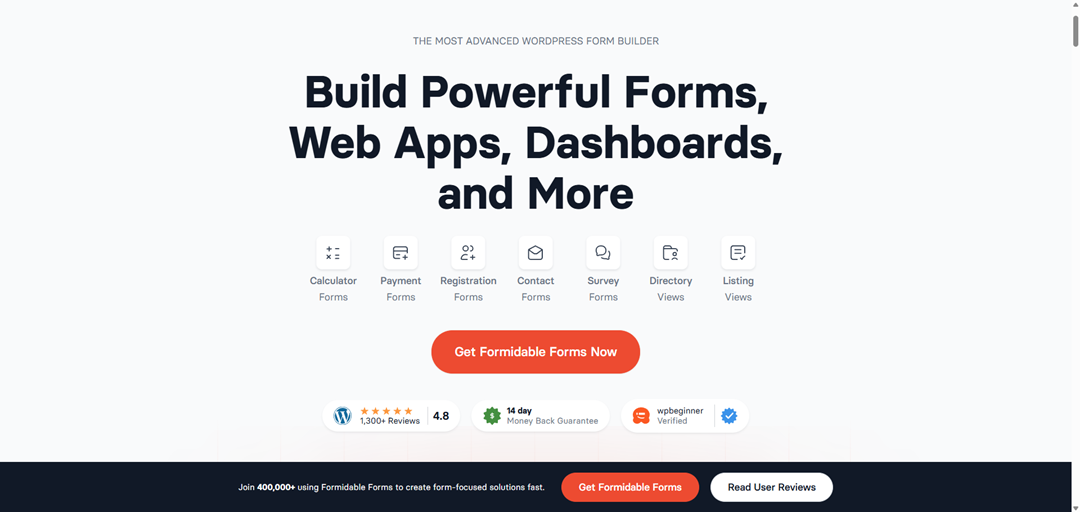
Formidable Forms is known for its data-driven approach. You can turn form submissions into directories, listings, or applications. It includes advanced calculations, views, and front-end data display features, which make it popular among developers who need complex, interactive forms.
It’s a good choice for projects that require form-based applications and data visualization.
Pricing starts at $79 ($39.50 for the first year) and includes the essential features.
3. Ninja Forms

Ninja Forms offers a clean interface and lots of flexibility. It’s modular, so you can start with the free version and add features through premium integrations. Its builder is less intuitive for beginners. It integrates with services like Zapier, Mailchimp, and Stripe. It’s a good choice for most mid-level WordPress users.
Pricing for the premium editions starts at $99 per year ($59.40 for the first year) and includes some of the advanced features and integrations.
4. WPForms
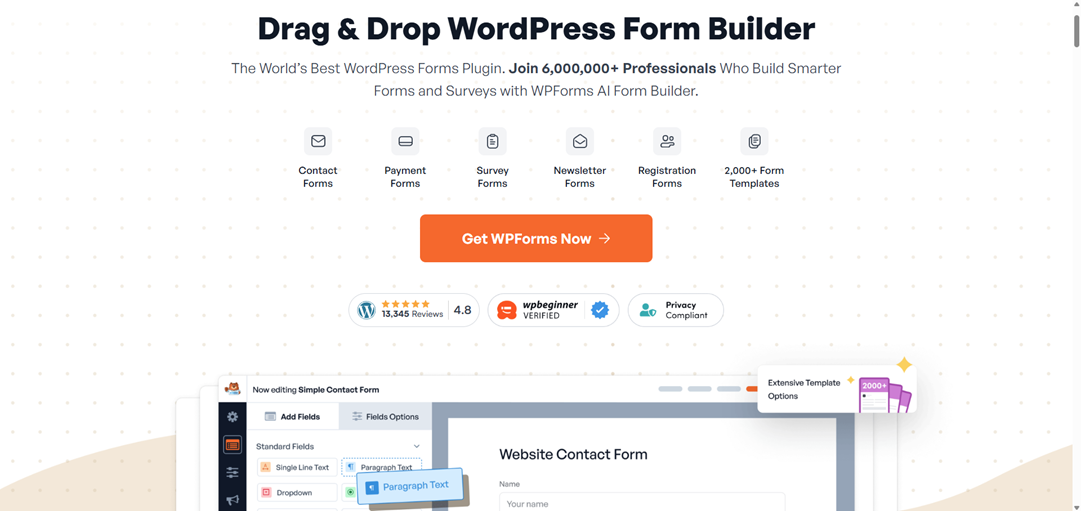
WPForms is a popular WordPress form plugin that provides a beginner-friendly drag-and-drop interface. It’s ideal for small businesses and bloggers who need contact forms, surveys, or newsletter signups without a lot of setup time.
It’s lightweight and integrates with marketing platforms such as Constant Contact and HubSpot.
Pricing starts at $99 per year ($49.50 for the first year) and includes the essential tools and customizations.
5. Fluent Forms

Fluent Forms has become popular for its speed and modern interface. It comes with pre-built templates, smart conditional logic, and it integrates with several popular marketing tools. It’s also optimized for performance, making it a good option for high-traffic sites.
Pricing starts at $79 per year ($63 for the first year) with all features included.
6. Forminator
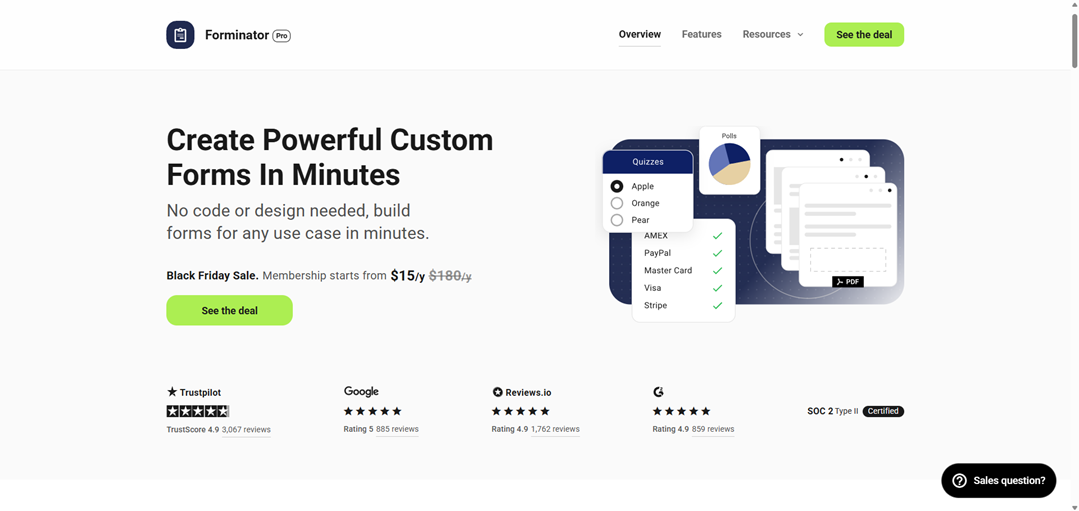
Developed by WPMU DEV, Forminator includes a drag-and-drop interface, conditional logic, polls, quizzes, and payment forms out of the box. For users already using other WPMU DEV tools, Forminator integrates seamlessly into the ecosystem.
Pricing includes a limited free version and a premium version that’s part of their premium membership, which starts at $180 per year.
7. Bit Form
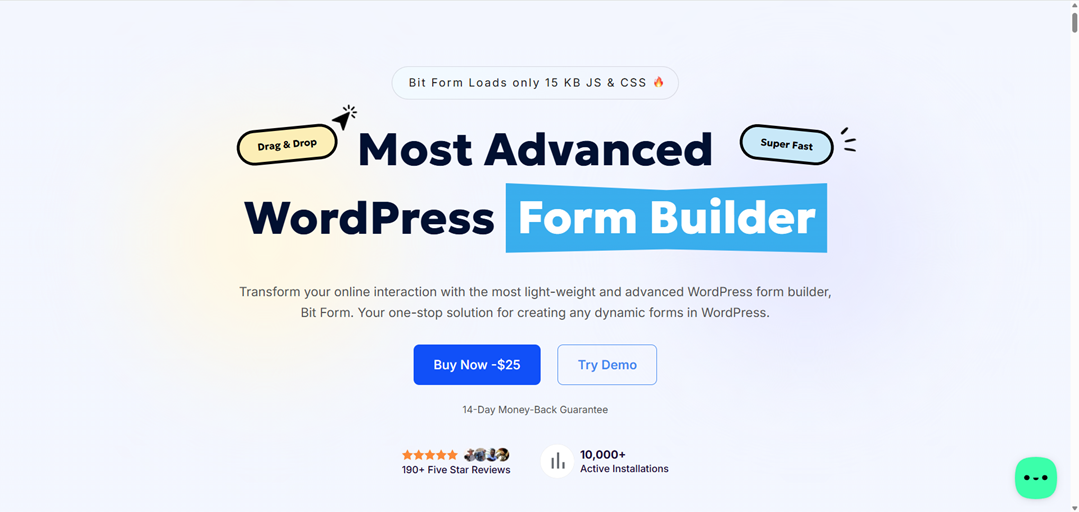
Bit Form is a light-weight plugin that combines ease of use with automation-friendly features. It supports webhooks, CRM integrations, and multi-step forms. Integrations are included, and it doesn’t need premium integrations. It’s especially good for users looking for an affordable option without losing advanced features.
Pricing starts at $39 per year for one license.
8. Contact Form 7

Contact Form 7 is a classic form plugin that’s minimalist and developer-oriented. It provides no-frills performance and includes open-source flexibility. While it requires more hands-on setup, it’s still one of the most installed plugins in the WordPress ecosystem. It’s ideal for advanced users and developers.
Pricing is free, but there are premium third-party premium integrations available. You can support the plugin’s development with a donation.
9. SureForms
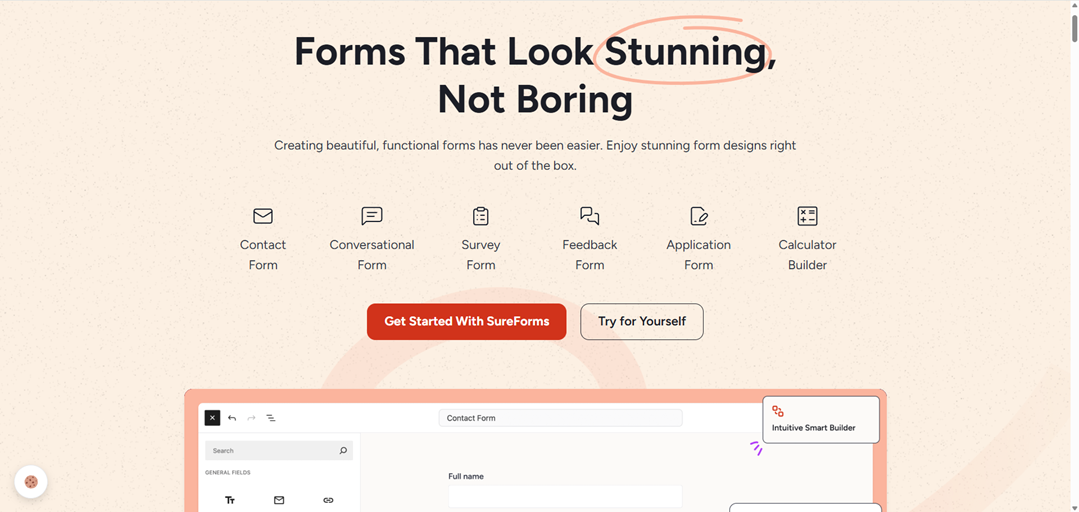
SureForms is a new entry that stands out for its modern interface and Gutenberg integration. It’s lightweight, intuitive, and designed for users who prefer building directly within WordPress blocks. This plugin is still new, but it shows promise with its performance and user experience. It’s ideal for those who prefer to develop in the WordPress content editor.
Pricing starts at $69 per year ($59 for the first year) and includes some of the main features and integrations.
10. Gravity Forms

Gravity Forms has been a popular plugin in the WordPress community for years. It offers a wide range of premium integrations and has a mature ecosystem that supports most use cases. It’s a good choice for professional sites and agencies, but many newer form builders have introduced more dynamic features and UI improvements.
Pricing starts at $59 per year and includes the basic feature set and premium integrations.
Ending Thoughts
Every plugin on this list can create powerful forms for WordPress. If you’re looking for a tool that pushes the limits of what forms can do, from conditional logic to responsive layouts and real-time debugging, it’s easy to see why WS Form stands at the top.
It’s the perfect blend of developer precision and user-friendly design, and it’s built for the modern WordPress site that demands speed, flexibility, and control.
Learn more about WS Form at wsform.com