
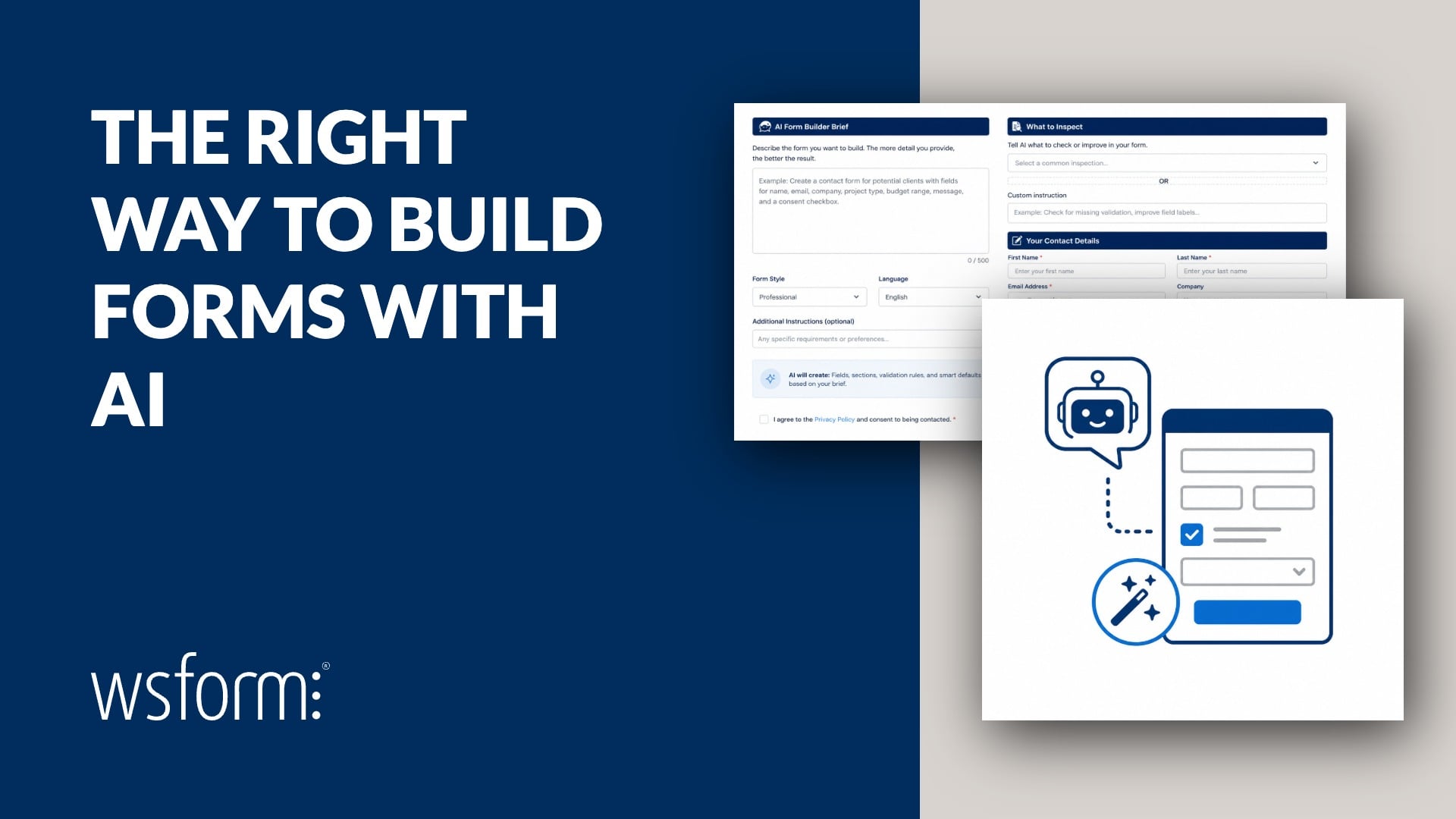
AI is changing how forms are built, but the best approach is not to ask AI to create an entire form system from scratch.
The better approach is to use WS Form as the form engine and AI as the interface for building, maintaining, troubleshooting, and analyzing your forms.
That gives you the speed and flexibility of AI without giving up the functionality, structure, and reliability of a dedicated form plugin.
WS Form provides everything needed to support that workflow through Abilities, the MCP Server, and Agent Skills.
Use WS Form As The Engine
A form is much more than a collection of inputs and a submit button.
A production form needs to consider accessibility, validation, spam protection, submissions, email notifications, responsive layouts, Conditional Logic, calculations, integrations, error handling, styling, security, and ongoing maintenance.
More advanced forms may also include multi-step navigation, file uploads, repeatable sections, payments, signatures, save and resume functionality, data sources, custom validation, and complex business workflows.
There is a lot happening behind the fields you see on the page.
When you ask AI to build a form from scratch, you are also asking it to think about and implement all of those concerns.
Some will be handled well. Others may be missed entirely. And every piece of custom code it generates becomes something you need to review, test, secure, and maintain.
WS Form already provides the form infrastructure.
Instead of asking AI to reinvent that infrastructure, let AI work with WS Form.
Use AI To Build The Form
Once WS Form is the engine, AI can become a very efficient way to build forms.
You can describe what you want in natural language and let the AI agent translate that requirement into native WS Form functionality.
Create a customer enquiry form with contact information, enquiry type, a message, validation, and appropriate spam protection.
The important distinction is that the AI is not generating a standalone form system.
It is building a WS Form form.
That means the form can use the same native fields, sections, Conditional Logic, calculations, actions, validation, spam protection, styling, submissions, and integrations that you would configure yourself in the WS Form editor.
Once created, you can open the form in WS Form and continue editing it visually.
Use AI To Maintain The Form
The same approach works just as well after the form has been built.
You can use AI to maintain and extend existing forms without rebuilding them.
Add a phone number field to the contact section and make it required when the customer selects phone as their preferred contact method.
Add a billing section and only show it when invoice is selected as the payment method.
Update this form so sales enquiries and support enquiries follow different workflows.
Because the AI agent is working with WS Form, those changes remain part of the normal form configuration.
You can inspect them, edit them manually, or ask the AI to make further changes later.
Use AI To Understand Existing Forms
AI is also useful when you need to understand a form that already exists.
Forms often grow over time. What started as a simple contact form can eventually contain dozens of fields, multiple sections, Conditional Logic rules, calculations, actions, and integrations.
Instead of manually working through every setting, you can ask AI to inspect the form and explain it.
Explain the Conditional Logic used on this form.
Tell me what happens after this form is submitted.
Which fields are required and under what conditions?
This can be particularly useful when working with forms built by somebody else or revisiting a complex form months after it was originally configured.
Use AI To Analyze Your Forms
AI can also help you review how a form has been built and identify areas worth investigating.
Review this form and suggest ways to simplify it using native WS Form functionality.
Check this form for obvious configuration problems.
Explain which actions run when this form is submitted.
The advantage is that the AI agent can work with the actual WS Form configuration rather than trying to infer what a form does from the rendered page alone.
AI Should Use Native WS Form Functionality
AI models are very good at generating code.
That does not mean code should always be the first solution.
If WS Form already provides native functionality for a requirement, the AI agent should use that functionality instead of creating an unnecessary custom implementation.
For example, if a requirement can be handled with Conditional Logic, the agent should not immediately generate JavaScript. If an existing action can handle a workflow, it should not create a custom submission handler. If WS Form provides a supported styling mechanism, it should use that before generating additional CSS.
Custom development still has its place, particularly for developers working on unusual or highly specialized requirements.
But the first question should be: can WS Form already do this?
Why This Approach Matters
Using WS Form as the engine gives AI a mature system to build on.
Instead of creating a collection of generated code that may handle some requirements and overlook others, the AI agent can work within a form platform that already provides the underlying functionality.
That includes areas that are easy to underestimate when building forms from scratch:
- Accessibility.
- Client-side and server-side validation.
- Spam protection.
- Submission handling and storage.
- Email notifications.
- Responsive layouts.
- Conditional Logic.
- Calculations.
- Integrations.
- Error handling.
- Maintainable configuration.
These are not optional extras around a form. They are part of building forms properly.
By keeping WS Form at the center of the workflow, you retain those capabilities while using AI to make working with them faster.
Three Technologies Make This Possible
WS Form provides three complementary technologies for AI-assisted form development.
| Technology | Purpose |
|---|---|
| Agent Skills | Teach compatible AI agents how WS Form works, which native functionality to use, and the preferred way to approach common form-building tasks. |
| Abilities | Provide structured, executable capabilities for creating, inspecting, modifying, and working with supported WS Form data. |
| MCP Server | Connect compatible AI clients to WS Form capabilities using the Model Context Protocol. |
A simple way to think about them is:
- Agent Skills provide the knowledge.
- Abilities provide the capabilities.
- MCP provides the connection.
Together, they allow an AI agent to understand how WS Form should be used and then work with the actual forms on your site.
Abilities Provide The Form Operations
The WS Form Abilities API exposes supported WS Form functionality in a structured format that AI and automation tools can discover and execute.
This gives an AI client an official route for working with WS Form instead of relying on generated code or trying to manipulate plugin data directly.
Abilities can be used for operations such as creating and inspecting forms, working with fields and sections, modifying supported configuration, and working with submissions and statistics.
The AI agent is working through WS Form rather than around it.
MCP Connects Your AI Client
The WS Form MCP Server makes WS Form capabilities available to compatible AI clients using the Model Context Protocol.
Once connected, a compatible AI client can discover the tools made available by WS Form and use them when carrying out your requests.
This lets you work with your forms conversationally.
You describe the outcome. The AI client can inspect the existing configuration, determine which capabilities are appropriate, and use WS Form to carry out the work.
Agent Skills Give AI Product Knowledge
Capabilities alone are not enough.
An AI agent also needs to understand how WS Form is intended to be used.
WS Form Agent Skills provide that knowledge.
The official WS Form Agent Skills repository contains packaged product knowledge and workflow guidance for compatible AI coding agents.
The ws-form skill teaches an agent about WS Form terminology, preferred workflows, native functionality, common pitfalls, and best practices.
It helps the agent understand when to use native WS Form features and when custom development may actually be necessary.
Build With AI, Continue In WS Form
One of the major advantages of this approach is that AI does not become a separate development environment for your forms.
A form created or modified by AI remains a normal WS Form form.
You can open it in the layout editor, move fields, change settings, adjust Conditional Logic, modify actions, update styling, or continue building it manually.
You can then return to AI later and ask it to inspect or modify the same form again.
AI and the visual editor are not competing workflows.
They are two ways of working with the same form engine.
You Stay In Control
WS Form does not give an AI client unrestricted editing access by default.
Form editing through AI is disabled unless you explicitly enable Allow Updates under WS Form → Settings → AI.
Delete operations require the separate Allow Deletes setting, which is also disabled by default.
New forms created through Abilities are created as drafts so they can be reviewed before being published and embedded on a live page.
We recommend using AI-driven editing on staging and reviewing changes before applying them to production.
The Form Plugin Remains The Foundation
The goal is not to replace your form plugin with AI.
The goal is to make AI a better way to work with your form plugin.
WS Form remains responsible for the forms, fields, validation, submissions, spam protection, actions, Conditional Logic, calculations, integrations, styling, and all the other functionality required to run them.
AI provides a faster way to tell WS Form what you want, understand what has already been built, make changes, and analyze the result.
That separation is important.
Use WS Form as the engine. Use AI to build, maintain, troubleshoot, and analyze the forms that run on it.