
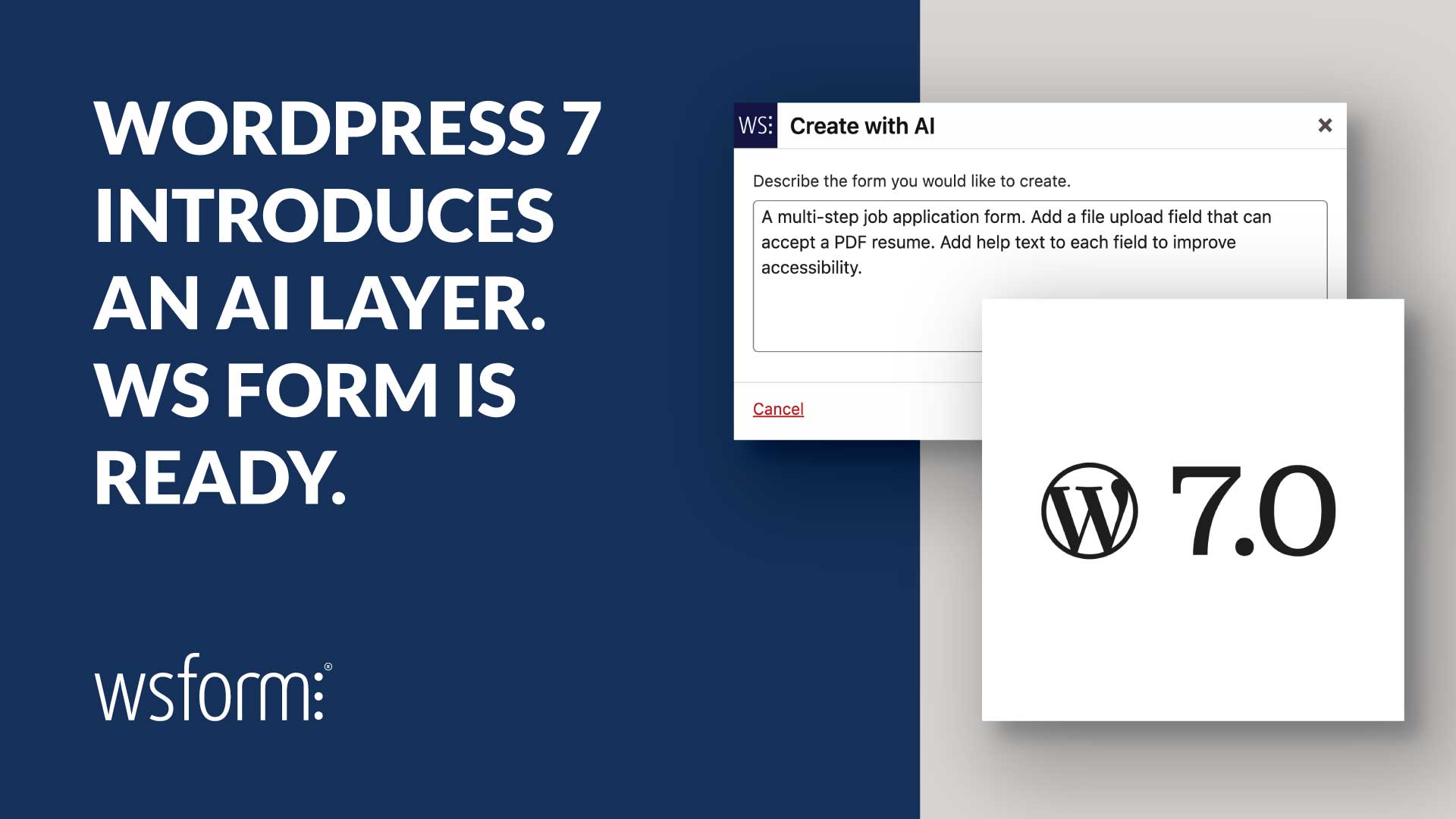
WordPress 7 is set to introduce a standardized way to work with AI inside the platform. Instead of every plugin handling AI differently, WordPress is moving toward a shared system through its AI Building Blocks.
WS Form is already built for that system.
With support for the Abilities API, MCP Server, and WP AI Client SDK, WS Form is one of the first plugins aligned with the direction WordPress is taking. More importantly, this is not just groundwork. These integrations already power real features you can use today.
What WordPress 7 Changes
Until now, AI in WordPress has been fragmented. Each plugin has handled providers, API keys, and integrations in its own way. That leads to duplicated setup, inconsistent behavior, and unnecessary complexity.
The WP AI Client SDK changes that by introducing a shared layer for AI. It provides a single way to connect to multiple AI providers and manage credentials centrally within WordPress.
For users, this means a more consistent and future-ready approach to AI inside WordPress.
WS Form is WordPress 7 Ready
WS Form supports the key components that make up the new WordPress AI architecture.
The Abilities API allows WS Form to describe its form-building capabilities in a structured way, making them understandable to AI systems.
The MCP Server enables external AI clients to interact with WS Form directly. This includes creating forms, modifying them, retrieving submission data, and analyzing performance.
On top of that, WS Form integrates with the WP AI Client SDK, giving it a standardized way to send and receive AI requests inside WordPress.
This combination means WS Form is not just using AI. It is part of the system WordPress is building around it.
Create Forms from a Prompt
WS Form includes a Create from AI option that allows you to generate complete forms using a simple text prompt.
Instead of building a form field by field, you describe what you want. WS Form generates the structure, including fields, validation, and configuration.
This can include:
- Multi-step forms
- Pre-configured field types
- Selectable options for dropdowns and checkboxes
- Help text to improve usability and accessibility
The generated form is fully editable, so you can refine it as needed. AI handles the initial build, saving time on setup while keeping you in control.
Use AI Inside Your Forms
WS Form also includes a Make AI Request action that allows you to send data to an AI provider during form processing.
This uses the WP AI Client SDK and requires no custom code to configure.
You can take input from one field, send it as a prompt, and return the result into another field within the same form.
This enables workflows such as:
- Generating text content from user input
- Improving or rewriting copy entered into a form
- Creating images based on submitted data
- Providing question and answer functionality
Because the AI output is treated as form data, it can be used in confirmations, saved with submissions, or passed into other actions.
Build Smarter Workflows
AI in WS Form is not limited to form creation or content generation. It can be part of the entire submission workflow.
For example, generated content can be used to create posts automatically, populate user profiles, or enhance data before it is stored.
By combining AI with WS Form’s existing features such as conditional logic, calculations, and integrations, you can build workflows that are both dynamic and structured.
Connect Forms to AI Systems
Through its MCP Server support, WS Form can connect to external AI clients and tools.
This allows AI systems to interact with your forms at a deeper level. They can:
- Create and modify forms
- Analyze submission data
- Identify performance issues
- Suggest improvements based on real usage
This turns forms into more than just input tools. They become part of a larger system that AI can understand and improve over time.
Enabling WS Form AI Features in WordPress 7
To enable the new AI features in WS Form using WordPress 7, simply enter your chosen AI provider key(s) in Settings > AI Credentials.
Why This Matters
WordPress is moving toward a unified approach to AI. The introduction of the WP AI Client SDK and related building blocks is a clear signal of that direction.
WS Form is already aligned with this approach. It uses the same systems WordPress is standardizing, rather than relying on isolated integrations.
That means:
- Less duplication of configuration
- Better compatibility with future AI providers
- A more stable foundation as WordPress evolves
Conclusion
WordPress 7 will make AI a core part of the platform. WS Form is already built for that change.
You can generate complete forms from a prompt, use AI directly inside your forms, and connect your forms to external AI systems for deeper automation and analysis.
This is not a preview of what might be possible in the future. These are features you can start using now.
If you are looking for a form plugin that is aligned with the future of WordPress AI, WS Form is already there.