
The Spacer field is used to introduce a block of space to your form. It is useful for adding space to your form to make it easier to read.
Tip: You can often achieve the same effect as a spacer by using the offset feature.
Field Settings
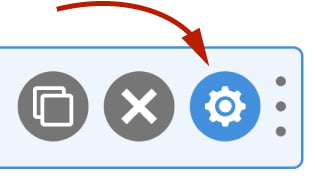
To edit the settings for this field type, click the settings icon on the field itself. Click the Save & Close or Save button to save your changes. If you do not want to save your changes, you can click the Cancel button or click any other form element to close the field settings sidebar.
Basic
Label
The label for a spacer is solely used to identify the spacer in the administration system. It is unlikely you will change the label. As well as entering a label into this field, you can also double click the label of the field in the editor. You should enter an easy-to-understand label for your field, for example, First Name or Email.
Hidden
If checked the field will be hidden on the form. It can be shown again using conditional logic or your own JavaScript.
Advanced
Classes
For developers WS Form allows you to add your own classes to fields.
Field Wrapper
The wrapper CSS class setting enables you to add a class (or classes) to a field wrapper. Field wrappers are sections of HTML added around a field to position them on the page. To add multiple classes, add a space between the class names.
Breakpoints
This feature is available in WS Form PRO.
The breakpoint settings define the width of a field and also what the offset (how many columns from the left-hand side of the form or the previous field) of a field is for each breakpoint. For more information about the breakpoint settings and capabilities of WS Form, click here.